
Host a Game
As the Host, you control the music, reveal the hints and manage the entire flow of the game. Players join your session over the local network from their own devices.
Requirements
- An active Apple Music subscription on your device.
- All participants connected to the same Wi-Fi network (or within Bluetooth range).
Create a game
- Open Play Guess and Reveal.
- On the home screen, tap Host a Game.
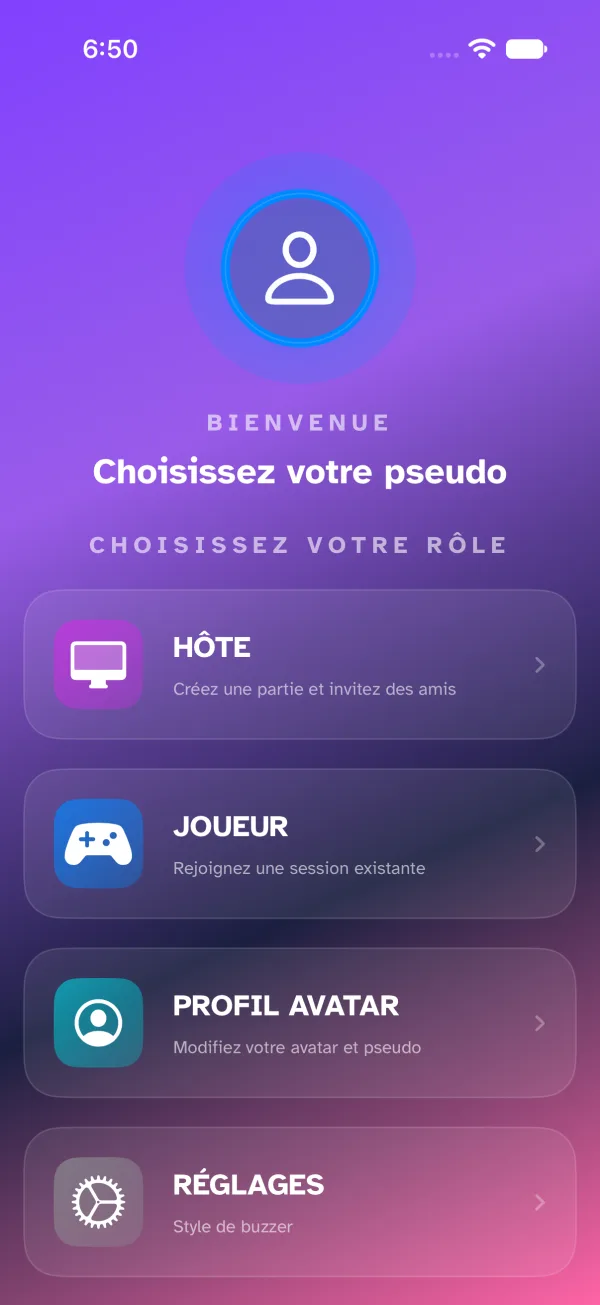
- Configure the game options (see below).
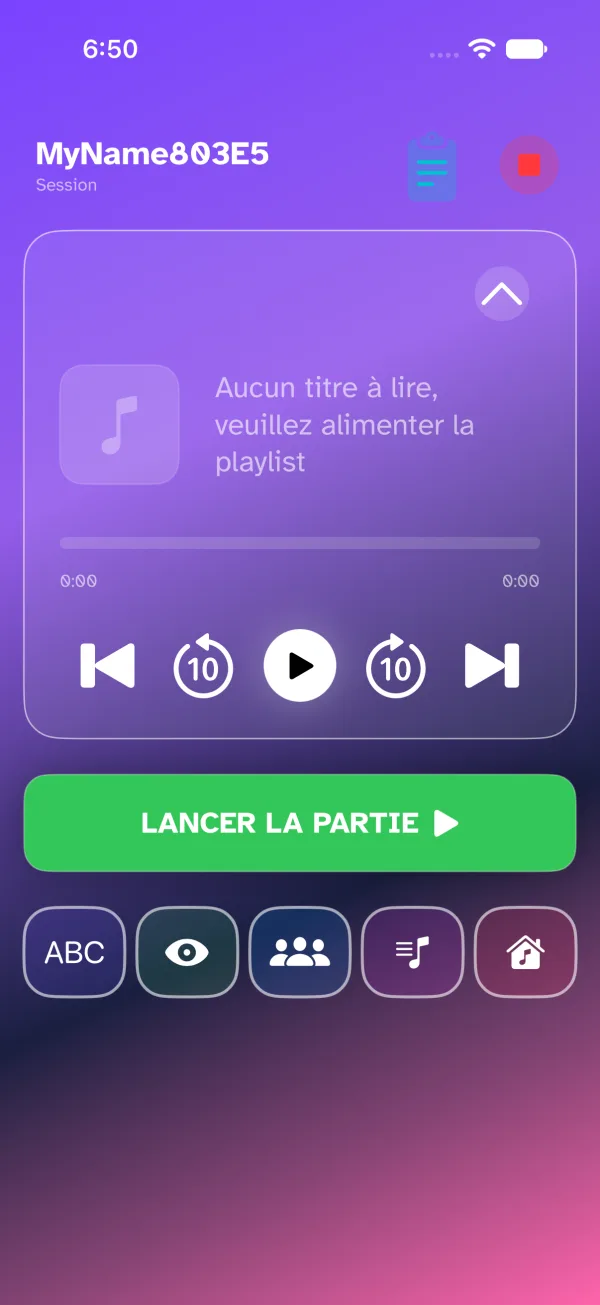
- Select the music source from your Apple Music library.
- Wait in the Waiting Room while the players connect.
- Start the game once the participants are ready.
Game options
These settings are available before the game starts. They define the rules and the pace of play.
General settings
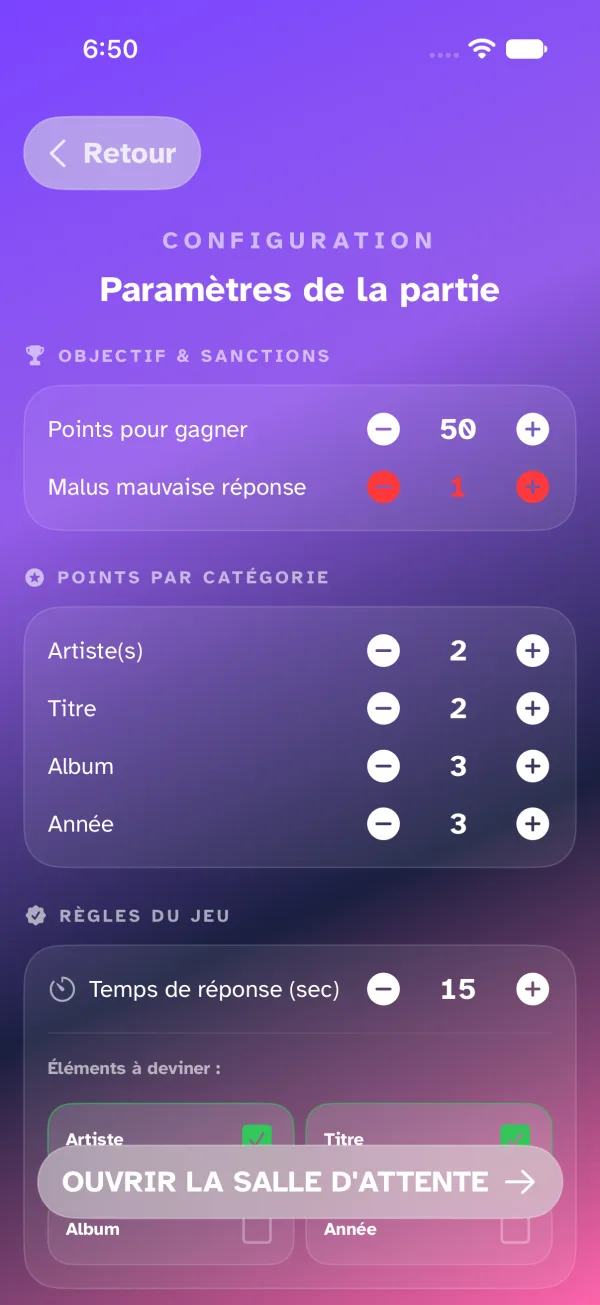
- Points to win — total score required to win the game.
- Answering time — time given to a player to provide their answer after buzzing in.
- Wrong answer penalty — number of points deducted for an incorrect answer.
Elements to guess
Select the track information that players will have to identify:
- Artist
- Title
- Album
- Year
Points per category
Assign a point value for each element guessed correctly:
- Points for the artist
- Points for the title
- Points for the album
- Points for the year
Automation
- Ambient sound — turns the contextual sound effects on or off.
- Auto-resume playback — automatically resumes the music after an in-game action.
How a round plays out
- The music starts automatically after the preparation countdown.
- Players submit their answers from their devices.
- Reveal hints if needed (Hangman, field reveals, 4-choice quiz).
- Validate the correct answers and award the points.
- Show the Round Recap before moving on to the next track.
The app automatically calculates points based on the speed and accuracy of the answers, as well as consecutive winning streaks.